 NotNow
“Mom, can I watch?”
Not Now, Andrew
Andrew asks every day, and someone always has to be the one who says stop. So I made the phone say it: screen time, then every app locks for a break, then screen time again.
If your house sounds like ours, I hope it helps.
— Andrew's dad
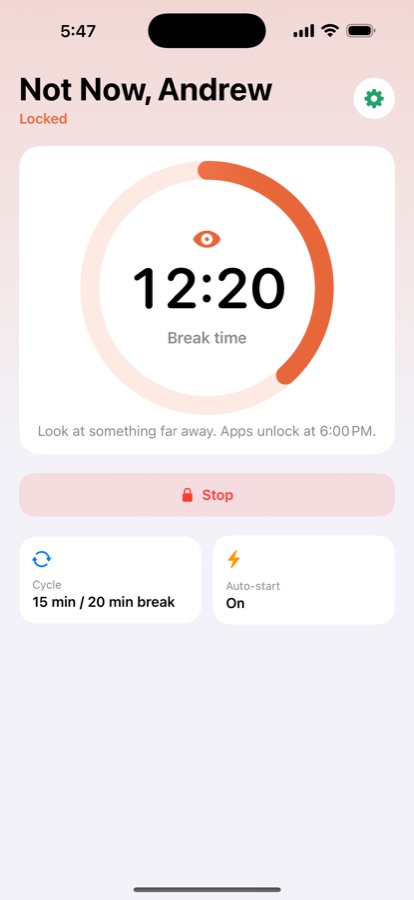
You choose both times. Built-in Screen Time sets daily budgets and schedules. It doesn't do rounds. NotNow does: play, rest, play.
How it works
You set it up once on your child's iPhone or iPad. The rest happens on its own.
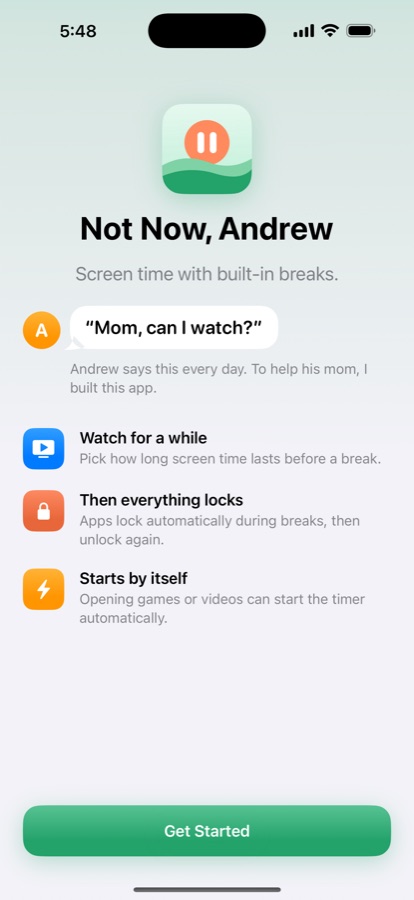
Set up once
Choose whose device it is, set a parent PIN and the apps allowed during breaks. It takes a minute.
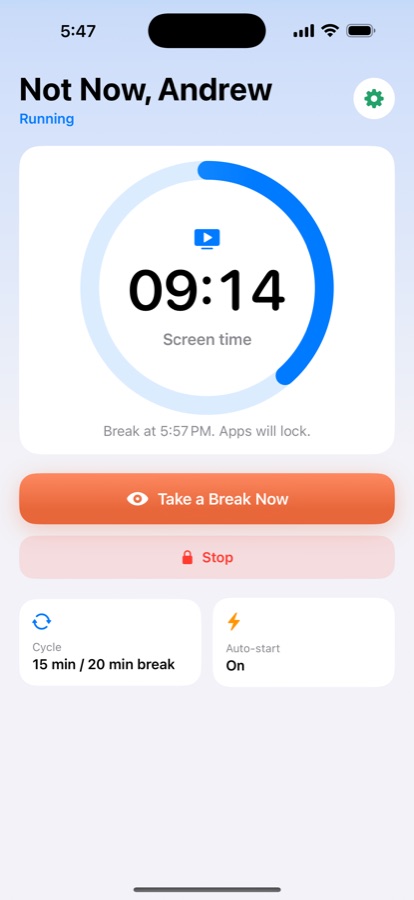
Screen time
Pick anywhere from 15 minutes to 2 hours. The timer can also start by itself when a game or video app is opened.
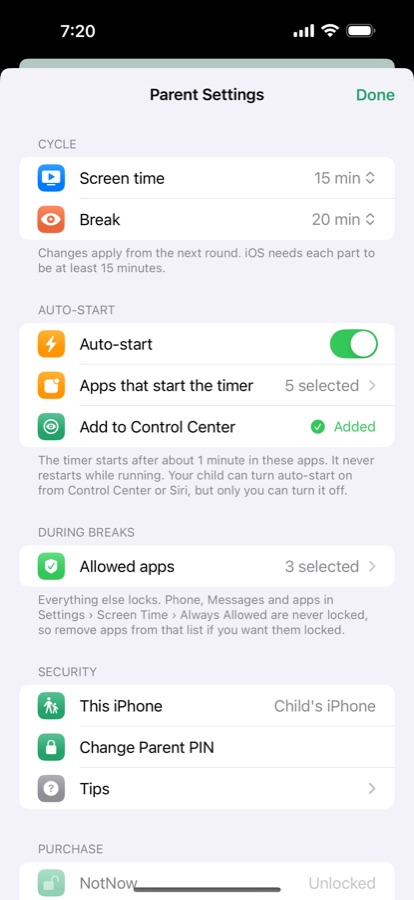
You stay in charge
Times, allowed apps and auto-start live behind the parent PIN. Stop the cycle any time.
Things kids try, and what happens
- Delete the app. Not possible. On a child's device, NotNow is approved with a parent's Apple Account through Family Sharing.
- Use the phone's passcode to stop it. Stopping needs a separate parent PIN. Wrong guesses mean a longer wait each time.
- Open the game again to restart the timer. Once the timer is running, it doesn't start over.
- Turn it off from Control Center or Siri. They can turn auto-start on, but only a parent can turn it off.
The details
| Price | Free for 7 days with every feature, then a one-time $4.99 to unlock. No subscription. |
|---|---|
| Family Sharing | One purchase covers your family. Buy on your own iPhone, then restore on your child's. |
| When the trial ends | The timer stops and every app is unlocked. |
| Privacy | No accounts, no ads, no analytics. Nothing leaves the device. Privacy policy |
| Works on | iPhone and iPad with iOS 17 or later. The Control Center button needs iOS 18. |
| Languages | English, 简体中文, 繁體中文, 日本語, 한국어, Español, Français, Deutsch |
| Questions | support@notnow.torabit.ai |